
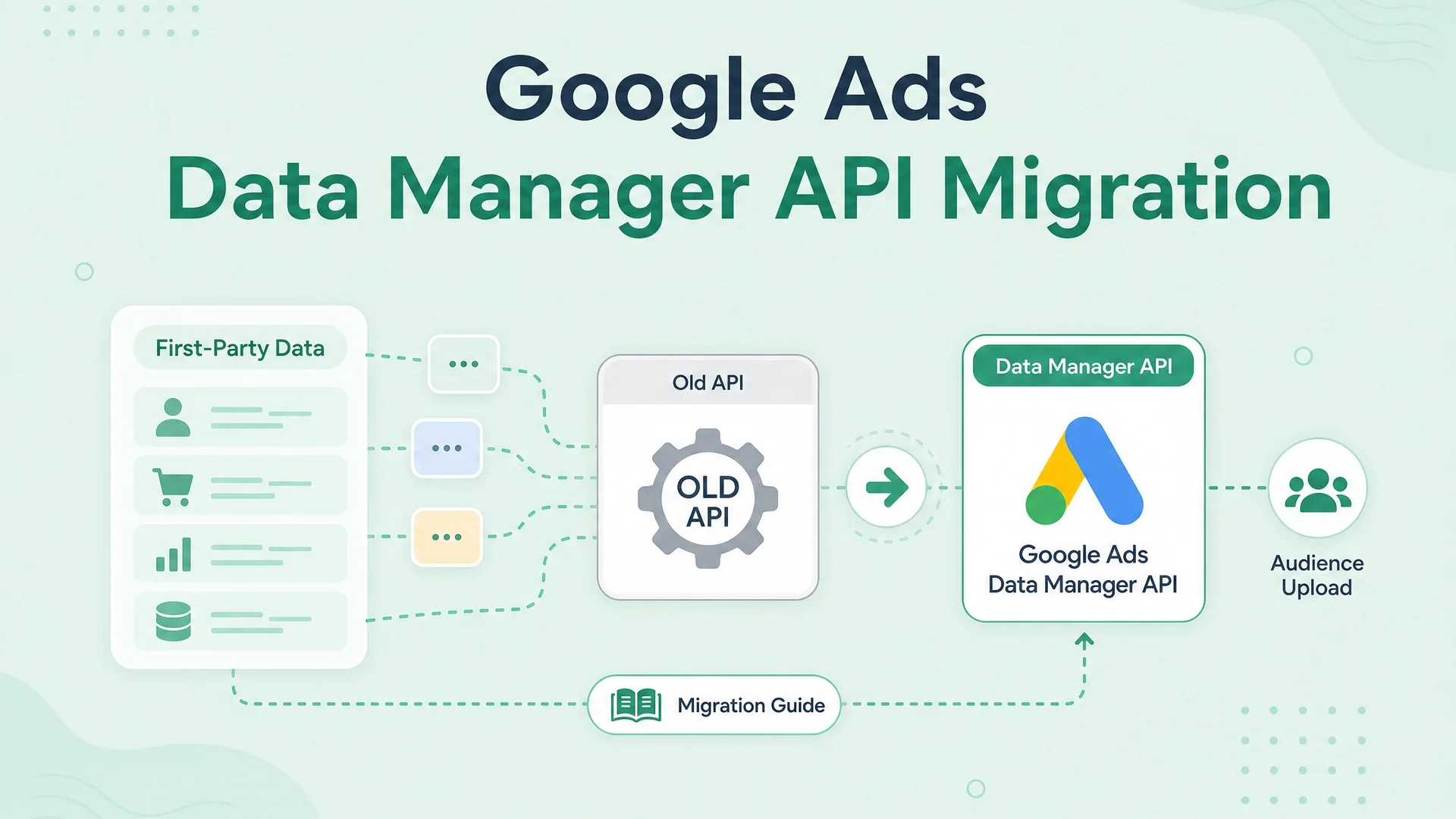
I migrated a live Google Ads first-party data pipeline from the retiring Ads API upload path to the Data Manager API last month. It was not a drop-in replacement. The endpoint changed. The payload shape changed. The authentication scope changed. The identifier format changed. Even the concept of what a destination ID looks like changed. Google announced the sunset. They did not announce how different the new path would be.
This post is what I wish had existed before I started. Not a press release about Data Manager. Not a migration checklist written by someone who read the docs but never sent a row. This is the grounded, practical stuff from a pipeline that is now running in production.
What is actually happening
Google is retiring first-party data upload through the Google Ads API. The UploadClickConversions, UploadConversionAdjustments, and CustomerMatchUserList paths that have been the standard for years are going away. The new path is the Data Manager API, a completely separate service with its own endpoint, its own OAuth scope, and its own idea of what a request looks like.
If you are running offline conversion uploads, Customer Match syncs, or Store Sales feeds through the Ads API today, you have until June 15, 2026 to move. After that, those calls return errors. Not deprecation warnings. Errors.
What stayed the same
The data itself did not change. You still need a GCLID or a click timestamp. You still need conversion action IDs. You still need hashed emails and phones for Customer Match. You still batch your rows, you still handle partial failures, you still retry on 500s. The business logic is identical. Only the delivery mechanism changed.
What changed
The endpoint. Old path: googleads.googleapis.com/v16/customers/{id}:uploadClickConversions. New path: datamanager.googleapis.com/v1/events:ingest. The hostname, the version, the resource naming, the verb structure — all of it is different.
The OAuth scope. You need https://www.googleapis.com/auth/datamanager in addition to your existing Google Ads scopes. If your token only has adwords scope, Data Manager calls will fail with a 403 that looks like an authentication error but is actually a scope error.
The payload shape. The old path took a protobuf-style JSON body with conversionActions, gclid, conversionDateTime, and conversionValue. The new path takes a flat array of events under events[], each with event_name, event_time, user_identifiers[], and attribution_token or attribution_token_timestamp. If you are sending click-based conversions, you send the GCLID as an attribution token. If you are sending impression-based, you send the gclid_date_time_pair. The field names are different enough that a find-and-replace will not work.
The identifier format. For Customer Match, the old path accepted { hashedEmail: "..." }. The new path uses { emailAddress: "..." } where the value is still SHA-256 hex, but the key name changed. Same for phone: { phoneNumber: "..." } instead of { hashedPhoneNumber: "..." }. If you send the old keys, the request validates but the identifiers are silently ignored. Your audience never grows. You will not know why until you read the response metadata carefully.
The destination ID. In the old path, you referenced a Customer Match user list by its resource name: customers/{id}/userLists/{id}. In Data Manager, you use a numeric productDestinationId. Not a resource name. A plain integer. If you pass a resource name, the API accepts it and then does nothing with it. No error. Just silence.
The transaction ID sanitisation. Data Manager is stricter about transaction_id than the old path. It rejects @, spaces, and most special characters. The safe set is [A-Za-z0-9._:+|-]. If your transaction IDs contain email addresses or UUIDs with hyphens in the wrong places, you need to sanitise before sending. The old path was lenient. The new path is not.
The migration in practice
Here is what the actual migration looked like.
Step one: enable the API. In Google Cloud Console, enable Data Manager API on the project that owns your OAuth credentials. This is not automatic. It is not enabled by default when you enable Google Ads API. You have to find it and click it.
Step two: add the scope. Regenerate your OAuth token with the datamanager scope included. If you are using a service account, add the scope to the code that mints tokens. If you are using a refresh token flow, re-run the consent flow with the new scope in the list. The user will see a new permission screen. They have to accept it.
Step three: rewrite the payload builder. This was the bulk of the work. Our old builder produced this shape:
{
  "conversions": [{
    "gclid": "...",
    "conversionDateTime": "...",
    "conversionAction": "customers/.../conversionActions/...",
    "conversionValue": 100,
    "currencyCode": "INR"
  }]
}
The new builder produces this:
{
  "events": [{
    "event_name": "purchase",
    "event_time": "2026-05-15T10:00:00Z",
    "user_identifiers": [{"identifier": {"gclid": "..."}}],
    "attribution_token": "...",
    "attribution_token_timestamp": "...",
    "conversion_metadata": {
      "conversion_action_id": "...",
      "conversion_value": 100,
      "currency_code": "INR"
    }
  }]
}
The information is the same. The envelope is completely different.
Step four: handle the response format. The old path returned a list of GoogleAdsRow objects with partial failure details inline. The new path returns a top-level results array and a separate errors array. If you had retry logic that parsed the old error format, it needs to be rewritten.
Step five: test with a single row. We sent one conversion, one Customer Match member, waited twenty minutes, and checked the UI. The conversion showed up. The audience grew by one. Then we sent ten. Then a hundred. Then we flipped the production switch.
The gotcha that cost me two hours
Data Manager requires a customer_id in the request metadata. Not the MCC ID. The actual customer ID of the account that owns the conversion action or the audience. Our old path used the MCC ID as the login-customer-id header and the child account ID in the resource name. Data Manager wants the child account ID in a dedicated customer_id field in the request metadata. If you send the MCC ID, the API returns a 404 that says the conversion action does not exist. It does exist. You are just looking in the wrong account.
The other gotcha that cost me another hour
Phone number hashing changed. The old path accepted SHA-256 of the digits only. Data Manager wants E.164 format first, then SHA-256. That means +919994276557 → SHA-256, not 9994276557 → SHA-256. If your existing pipeline strips the country code before hashing, your phone matches will drop to zero. We had to add a country code lookup step.
What this means for Customer Match
The Customer Match path through Data Manager is audienceMembers:ingest. The batch limit is 5,000 members per request, same as the old path. The membership duration default is 540 days unless you specify otherwise. The main difference is that you reference the audience by numeric productDestinationId, not by resource name. And the identifier keys are emailAddress and phoneNumber, not hashedEmail and hashedPhoneNumber.
One subtle difference: the old path let you upload members and immediately target them in a campaign. Data Manager has a processing delay. In our testing, new members are targetable within four to six hours, not minutes. If you have same-day activation use cases, plan for the lag.
Should you migrate now
Yes. The sunset date is June 15, 2026. That is not far. The migration is not a find-and-replace. It is a rewrite of your upload pipeline. If you are running daily conversion uploads or weekly Customer Match syncs, you need to be on Data Manager well before June to have time to catch the edge cases.
If you are not running first-party uploads today, you should still enable the API and scope now. It takes five minutes and it means you are ready when your attribution strategy eventually needs it.
What I would do differently
I would have tested with a single Customer Match member and a single conversion on day one, instead of assuming the payload shape was similar enough to batch-test immediately. I would have enabled the Data Manager API in Cloud Console before writing any code, because the 403 scope error sent me down a rabbit hole of checking service account permissions that were fine. And I would have read the identifier key names more carefully, because hashedEmail vs emailAddress is a one-word difference that silently breaks everything.
The Data Manager API is the future of Google Ads first-party data. It is better designed than the old path. It is also different enough that you cannot wing the migration. Start now. Test small. Read the field names twice.

Written by
Dan Antony
I have spent 11 years building marketing teams and infrastructure from scratch — from a $1.5M B2B SaaS budget to leading two brands across India and Singapore. I write about Meta Ads, Google Ads, SEO, and the MarTech stack that actually moves the needle.